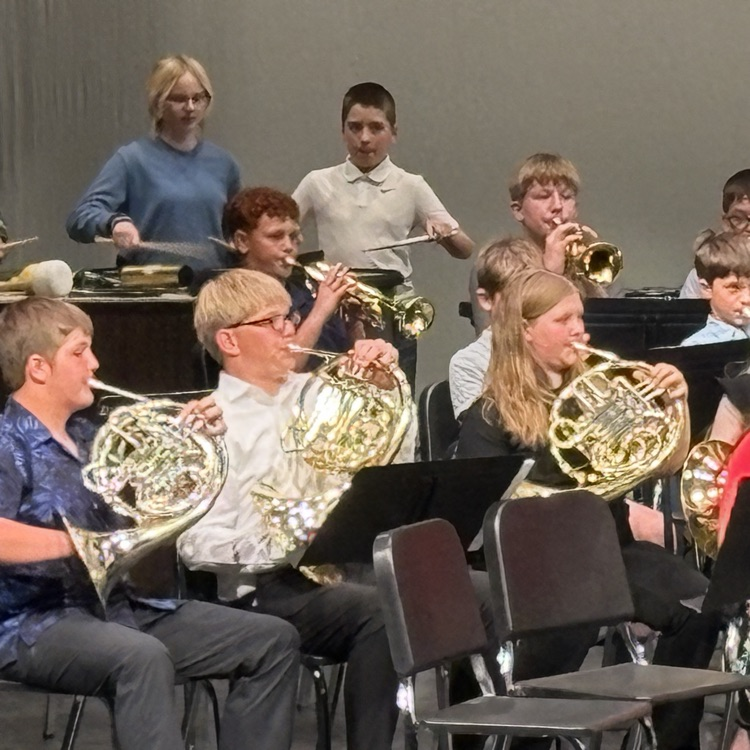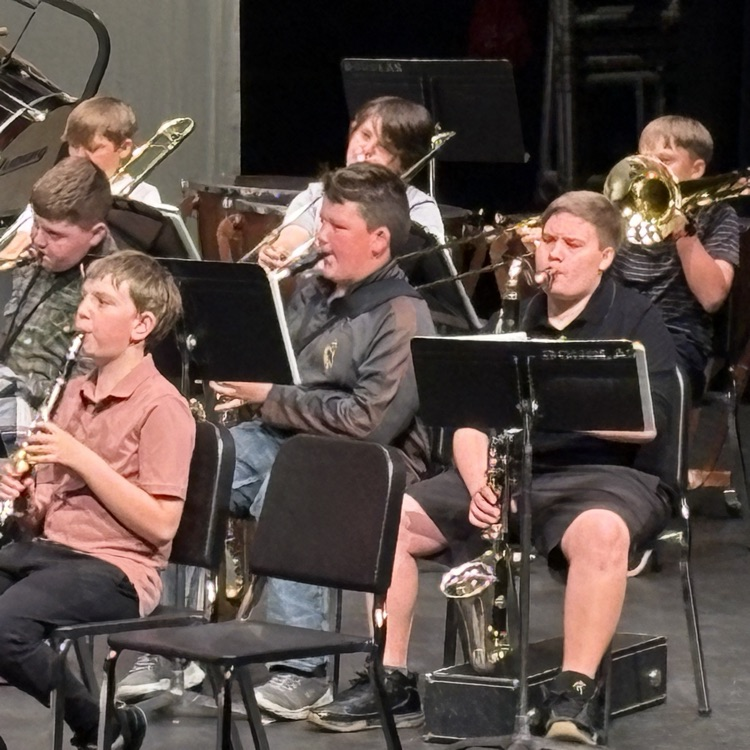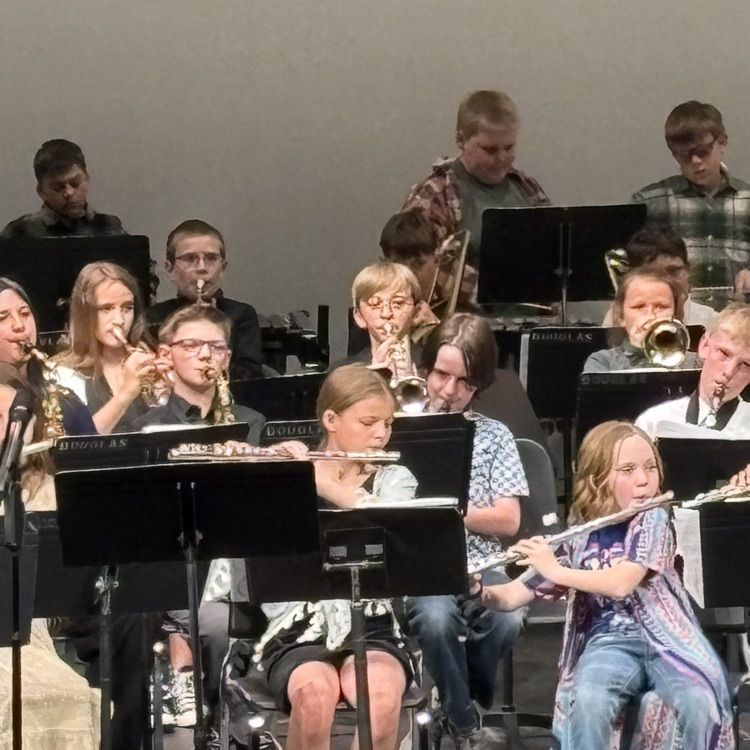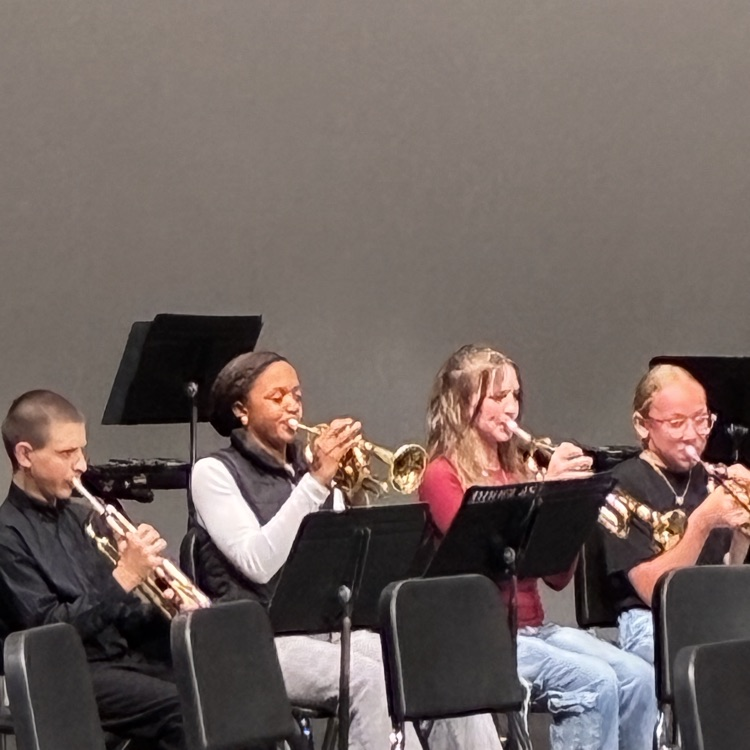


We're absolutely loving this beautiful Wyoming winter! ☀️ While we're enjoying the sunshine and mild temps, we know Mother Nature can surprise us. Just a friendly reminder that all our inclement weather information—closures, delays, and updates—lives right here: https://www.ccsd1.org/page/inclement-weather-information. 🌨️ Here's hoping we don't need it, but we're ready if we do!


🍕 Breakfast Pizza Day! 🍕
Pizza for breakfast? YES! Try our Whole Grain Breakfast Pizza tomorrow morning, served with Fresh Orange and Fresh Apple! 🍊🍎
Available at all CCSD#1 schools. Your choice of White or Chocolate Milk included.
Start your day with a breakfast students love!
#CCSD1 #SchoolBreakfast #BreakfastPizza #FuelForSuccess #UnlockPotential


🍳 NEW Breakfast Tomorrow! 🍳
Start your day tomorrow with our Egg & Cheese Omelet, crispy Hashbrown Pattie, and a Fresh Apple! 🍎
Your choice of White or Chocolate Milk included.
Fuel up for a great day of learning! 💪📚
#CCSD1 #SchoolBreakfast #FuelForSuccess #UnlockPotential


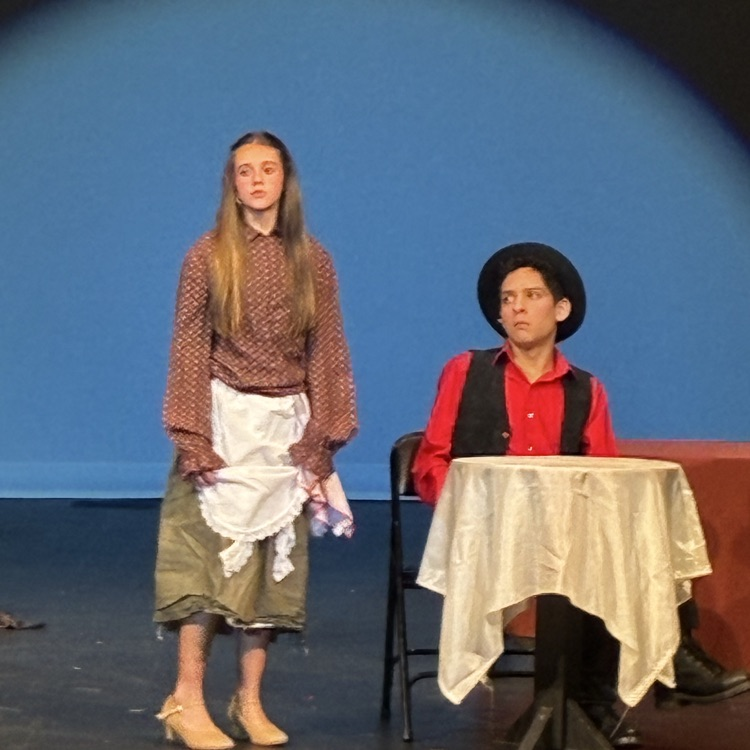
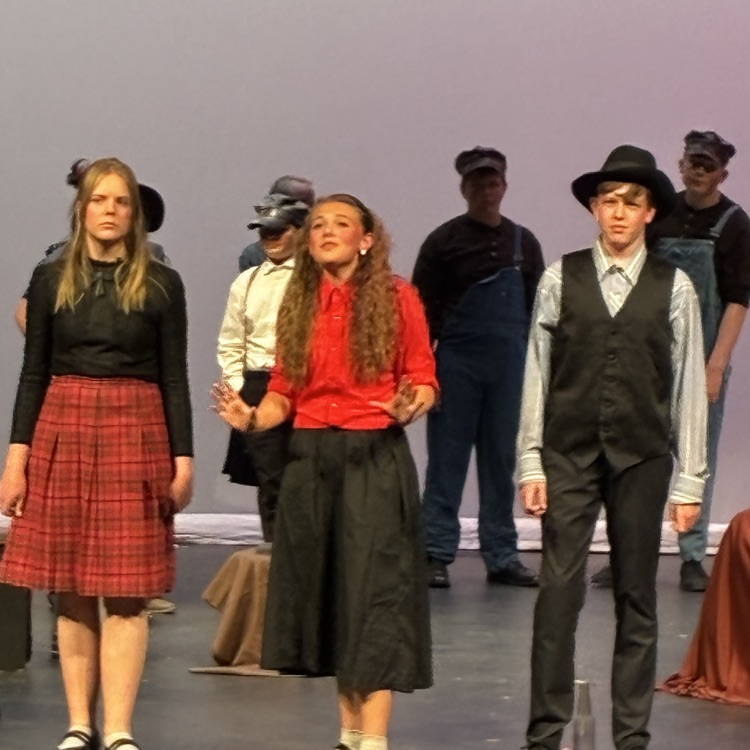
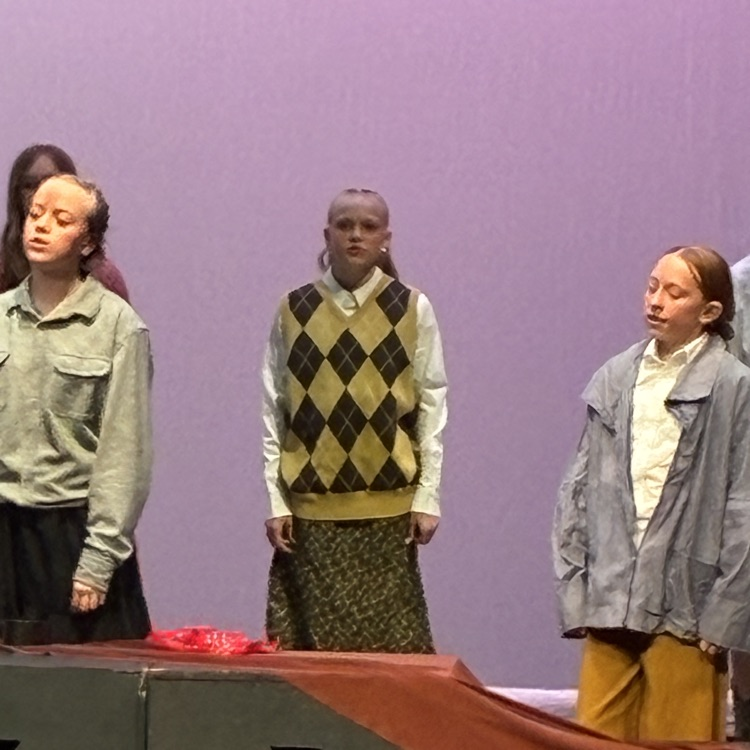
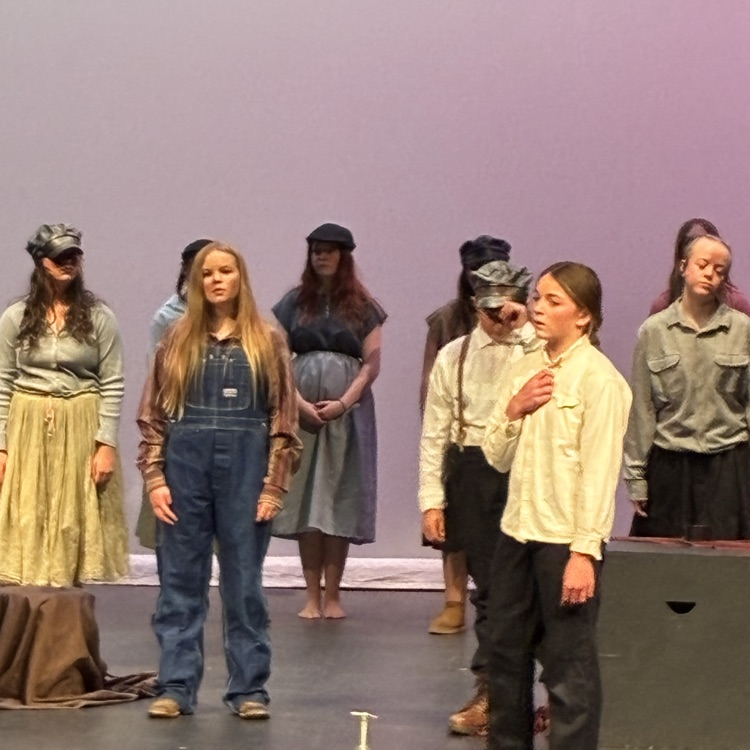
If you attend any DMS events, take pictures, and don't mind them being used in the DMS yearbook; please share them to
tjohnson@ccsd1.org


Have you visited the DMS online apparel store? There is free shipping this week! Stock up on all your spring semester Bearkit swag! The apparel store has all sizes youth and adult, customization options, thousands of items, and ships directly to your home.
www.douglasmiddlespiritwear.com
#kit2cat


How to access your students' report card:
Parents and guardians are able to access their student(s) report cards using the web browser on their smart phone or on their computer.
Unfortunately, the mobile PowerSchool app will show grades and schedules, but it will not show report cards.
STEPS TO ACCESS REPORT CARDS:
1. Using the web browser on your computer or smart phone, login to the PowerSchool Parent portal
(https://ccsd1.powerschool.com/public/home.html)
2. Select your student at the top of the screen
3. Click on “Student Reports” from the left-hand navigation menu
4. Click on “Current Grade Report Card” to view your student’s report card
VIDEO TUTORIALS:
Video – Report cards from your smart phone
Video – Report cards from your computer’s web browser


Students must be eligible to attend.
Final eligibility notification will be made to students the morning of January 15.


Join Us for the Middle School Moments Showcase!
January 14, anytime from 4–7 PM at Douglas Middle School
Students will lead families through their classrooms to share learning and complete hands-on activities. Teachers will be available to connect with families, and completed activity cards can be entered to win fun prizes!
Plus — stop by our Commons for school, club, health, and safety resources tailored to middle school students.
We can’t wait to celebrate our students’ growth and creativity with you!


This calendar cycle will be brought to the CCSD #1 Board of Trustees in February before being submitted to the State Department of Education for final approval.
If you are interested in reviewing these calendars and providing input, a public input opportunity is scheduled for
Monday, December 22nd from 12:00 PM—1:00 PM
Douglas High School Recreation Center